
- homeHome chevron_right
- Fire & Safety chevron_right
- Software chevron_right
- InCadPRO
InCadPRO
The new plug-in developed by Inim for designing fire protection, evacuation, and intrusion detection systems within the CAD environment you use every day. A tool designed to streamline the transition from technical drawing to system verification, reducing manual tasks and improving consistency between drawings, data, and sizing.
Compatible with
Compatible with
Design in your usual work environment
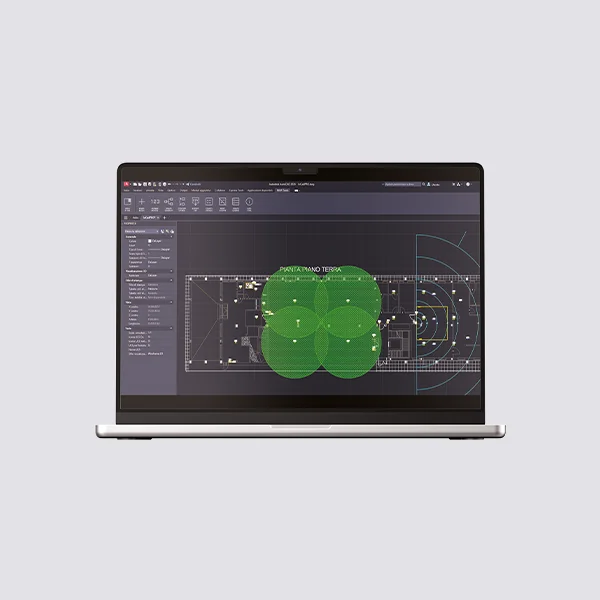
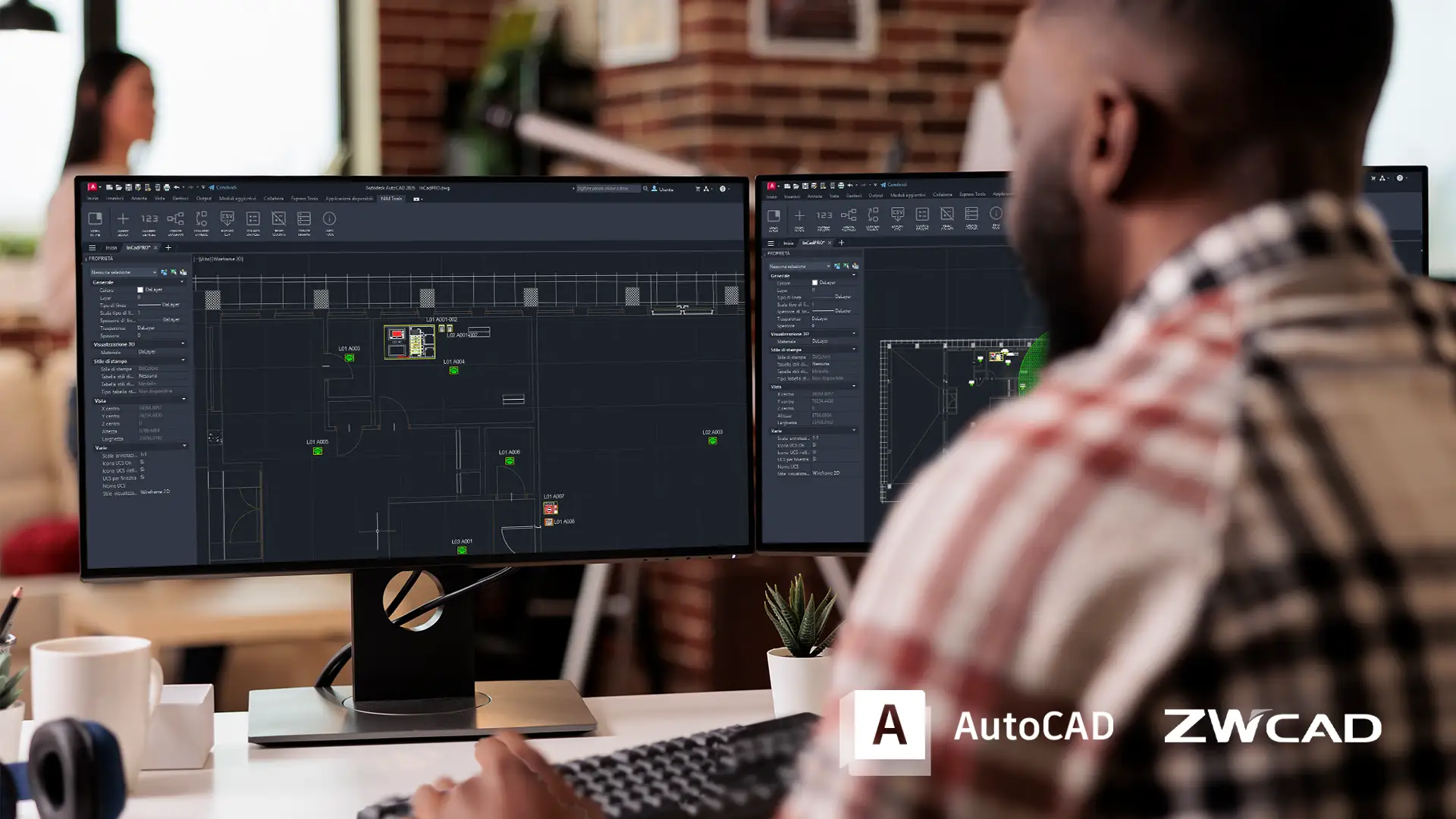
InCadPRO was created to support designers and engineering firms during the early stages of project development, without requiring the use of new software. The plug-in integrates with compatible CAD platforms, such as AutoCAD ( Autodesk – AutoCAD Full) and ZWCAD (ZWCAD – ZWCAD Professional), adding a toolbar dedicated to designing Inim systems. Through the Inim symbol legend, professionals can access devices, blocks, and descriptions specific to Fire & Safety applications and Security & Comfort, all while working directly on the CAD drawing. The result is a more comprehensive and organized environment, where the graphical design remains familiar but becomes richer in information, more precise, and more closely aligned with the subsequent technical phases of the project.
Convert the CAD drawing into a structured data stream
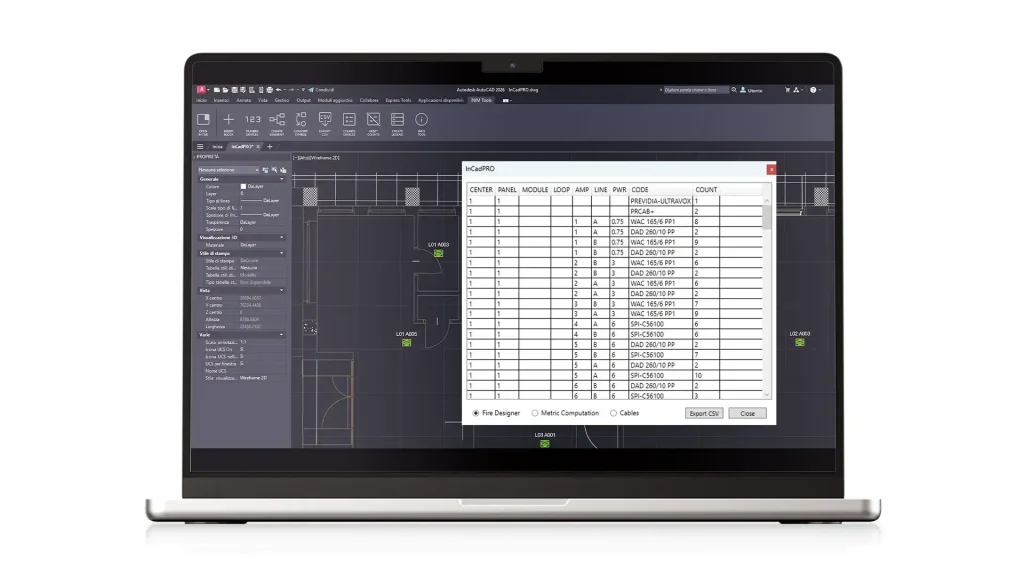
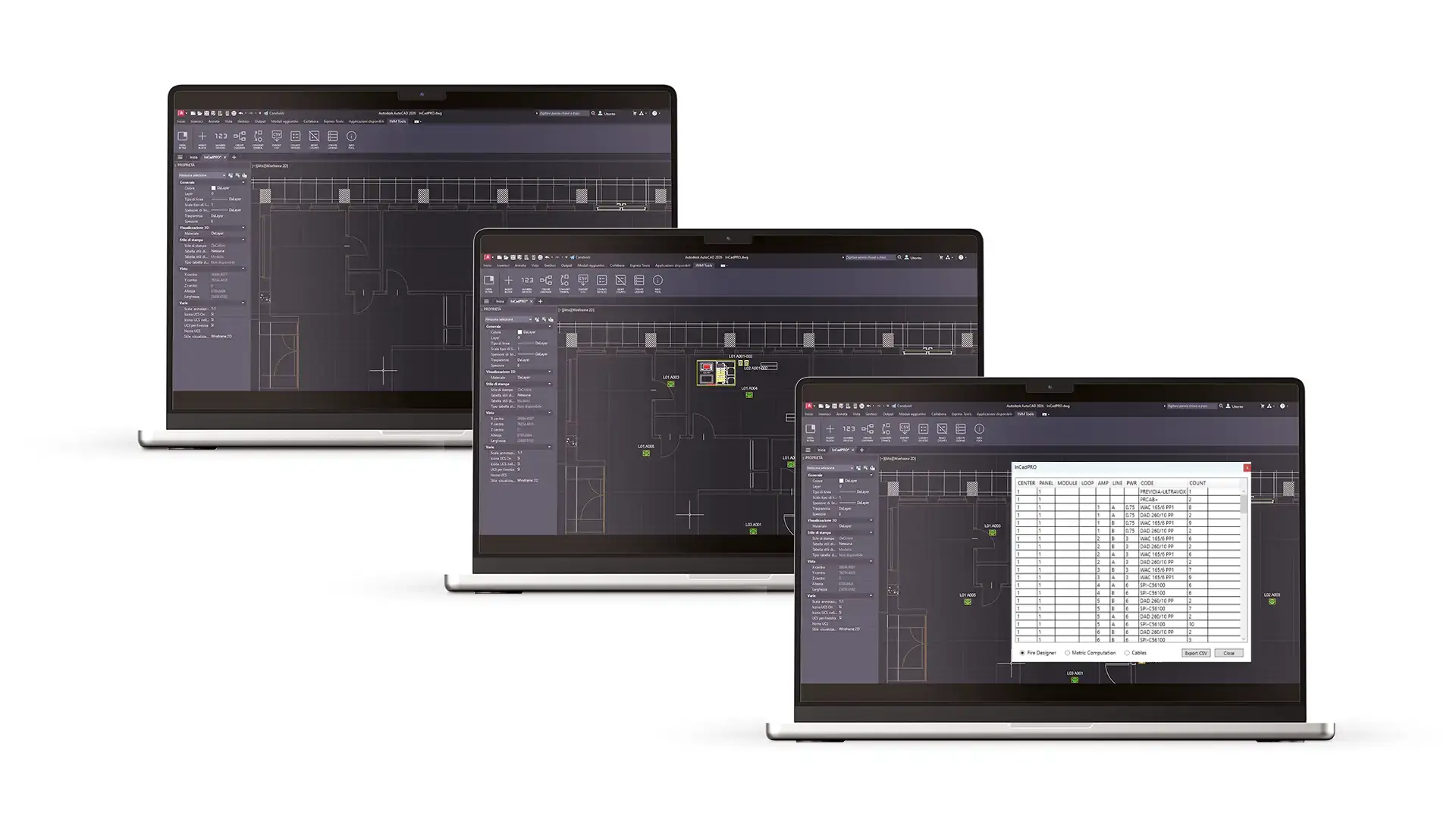
With InCadPRO, a drawing is not just a standalone element. Every device added to the drawing can be identified, labeled, and counted, contributing to the creation of more consistent and easily manageable documentation. The plug-in allows you to assign unique labels, generate diagrams and schematics, create legends containing only the devices actually used, calculate quantities, and prepare CSV exports useful for quantity takeoffs, cost estimates, and subsequent verifications. Cable calculations can also be handled more quickly, allowing the designer to tailor estimates to the specific requirements of the project. In this way, often repetitive tasks become part of a more streamlined process, reducing the risk of omissions, misalignments, or inconsistencies between the drawing and the technical data.
Link CAD design and verification in FireDesigner
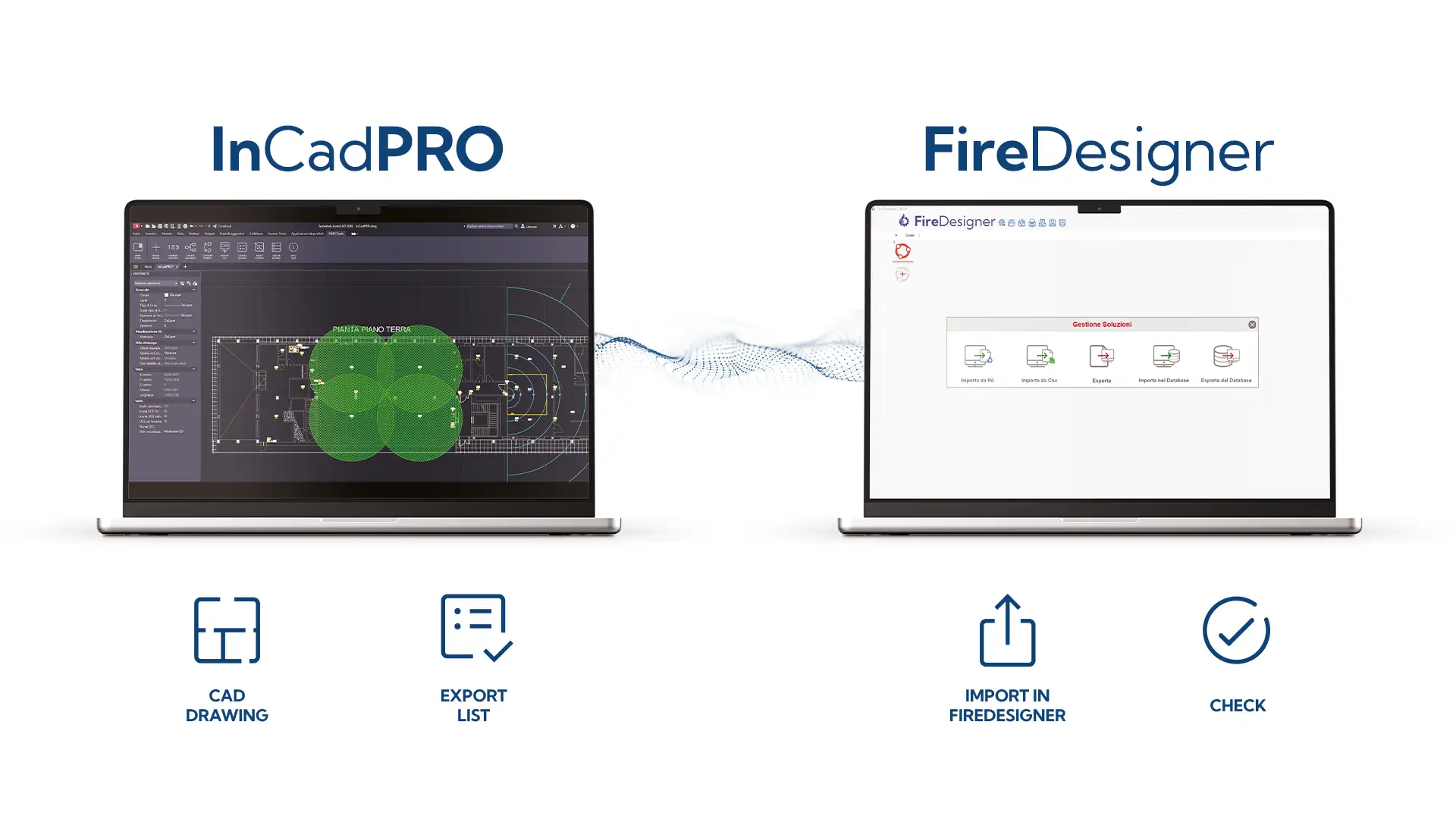
InCadPRO’s most distinctive feature is its integration with FireDesigner, INIM’s software for the design, configuration, and sizing of fire and safety systems. Thanks to a dedicated export and import process, the data generated within the CAD software can be used to verify devices, quantities, power consumption, and any errors or omissions. The workflow becomes seamless: from the CAD drawing to device placement, from applying labels to generating diagrams, from quantity takeoff to technical verification in FireDesigner. For the designer, this means working with greater control, reducing manual steps, and improving the overall quality of the project. For installers and partners, it means starting from a clearer, verifiable, and consistent foundation. InCadPRO thus enhances the value of the Inim ecosystem, transforming the design process into one that is more integrated, efficient, and reliable.
Download the software