


InCadPRO 1.0.7: More data, more control, and more flexibility in your project
- calendar_today November 20, 2026
- labelProduct Release
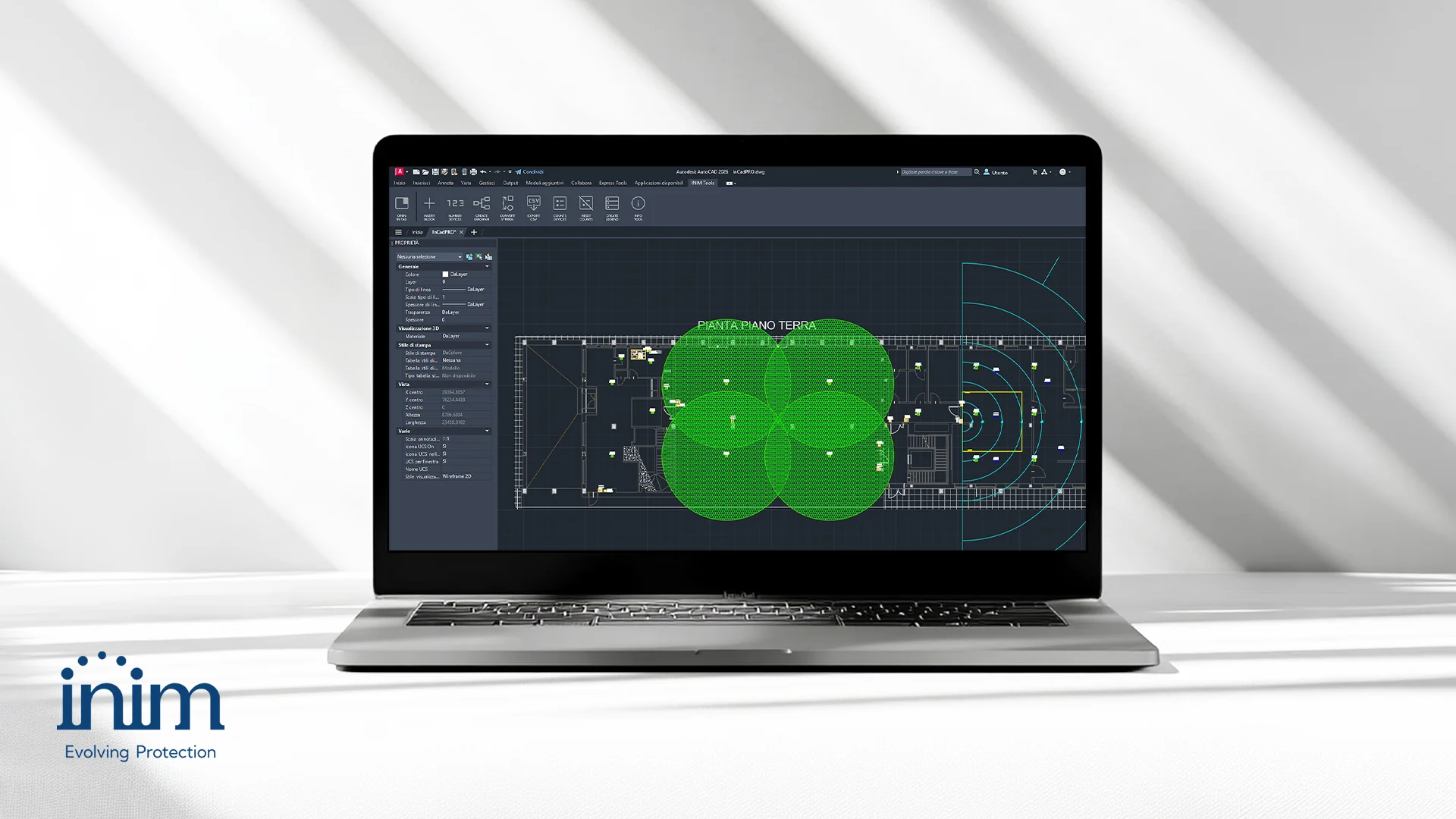
InCadPRO is a plugin developed by Inim to support the design of fire protection, evacuation, and intrusion detection systems directly within a CAD environment. Designed for designers and engineering firms, it provides tools for managing devices and project information, helping to ensure consistency between drawings, schematics, and technical documentation.
Compatible with AutoCAD Full and ZWCAD Professional, InCadPRO allows you to identify and count devices, generate block diagrams and legends, and export data for further processing. These features let you organize information and reduce manual steps while continuing to work in your usual CAD environment.
With version 1.0.7, InCadPRO expands its functionality with targeted improvements to graphical representation, data export, and the customization of drawings. The update introduces enhancements designed to make projects easier to read and offer greater flexibility in managing information and elements included in the drawing.
The 5 New Features in InCadPRO 1.0.7
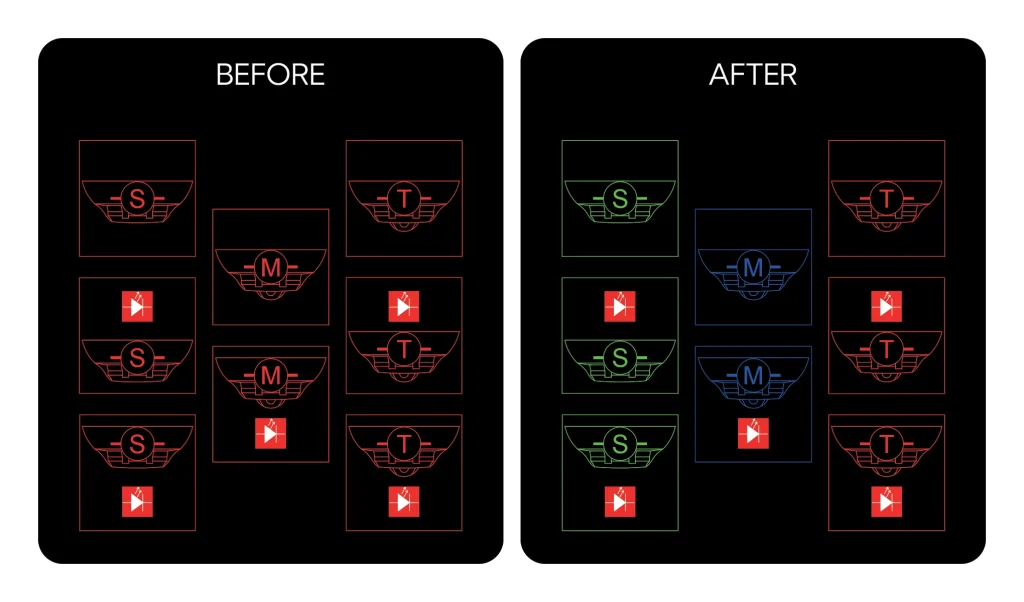
1 - Some blocks have been redesigned
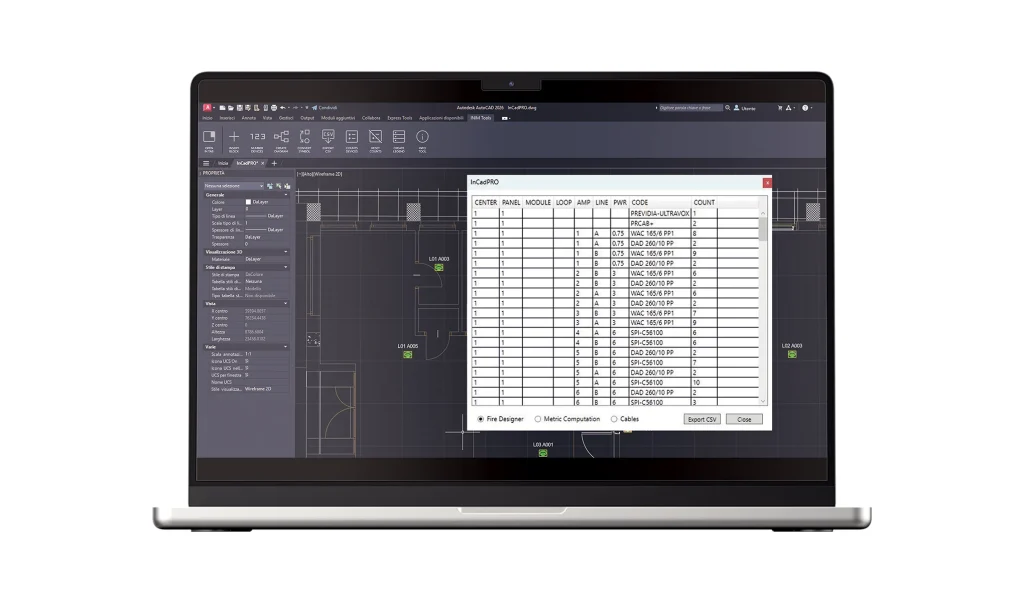
2 - Even more comprehensive CSV export
3 - Greater precision in block diagrams
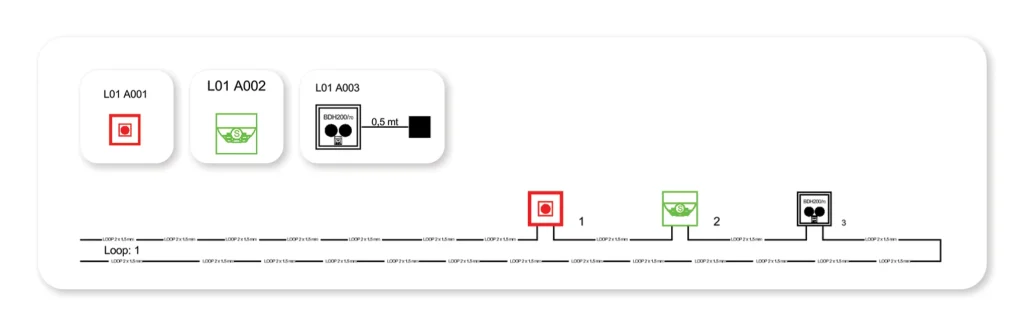
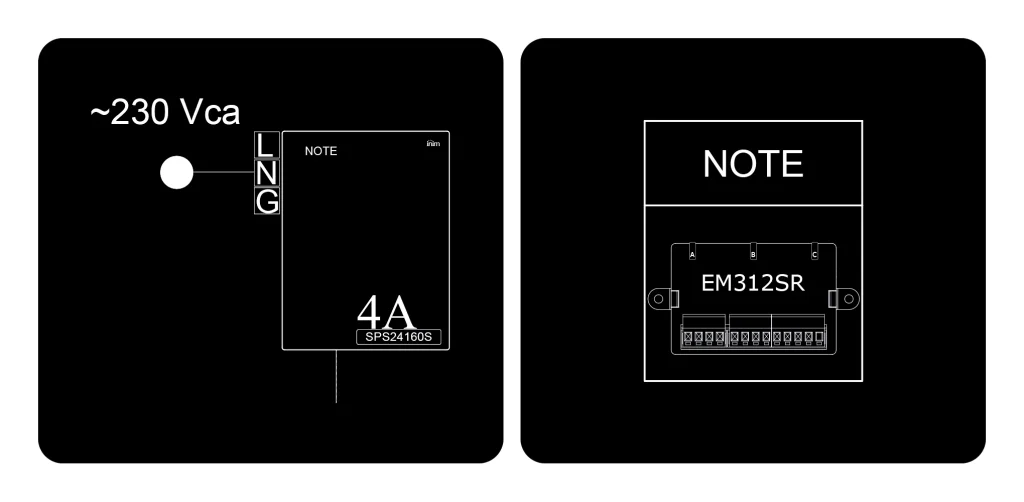
4 - New customizable notes in legends
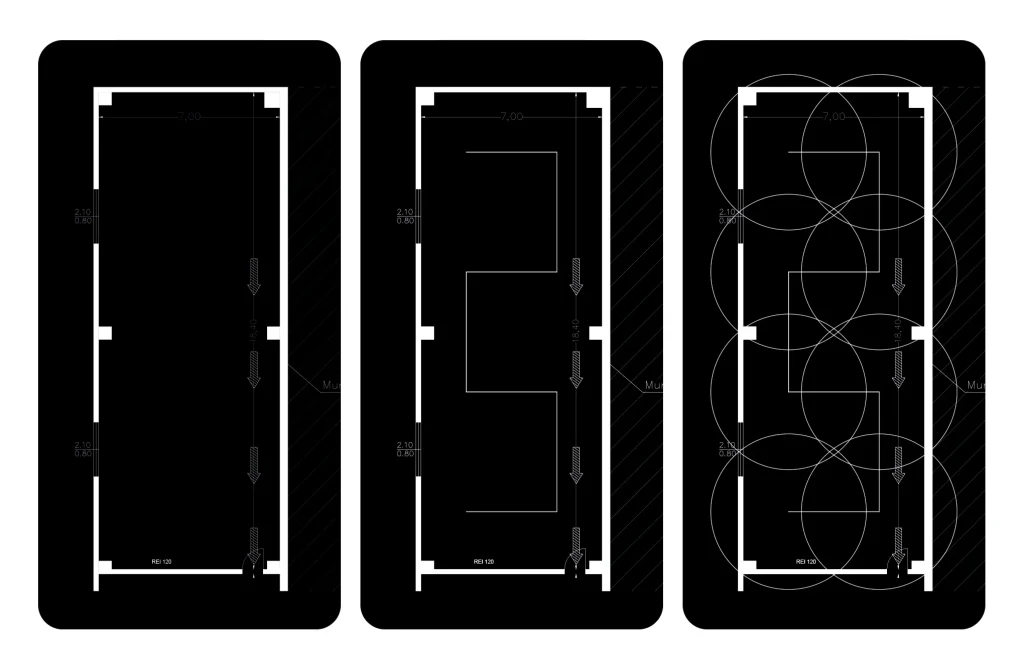
5 - New feature for installing heat-sensitive cables
A Workflow-Oriented Update
With version 1.0.7, InCadPRO continues to evolve through targeted improvements to day-to-day design tasks. The ability to export more information, more precise management of graphic elements, and greater customization of documentation make CAD work more structured, readable, and comprehensive.
Update InCadPRO to version 1.0.7 and start using the new features right away.
HOW? ACCESS THE PLUGIN—HAVEN'T DOWNLOADED IT YET? DO IT NOW!