


Prime 5.00 with CoreSync: Intrusion Detection and Video Surveillance Become a Single System
- calendar_today September 15, 2026
- labelProduct Release
A Paradigm Shift: Prime Security Platforms Upgrade to Version 5.00 with CoreSync
With the update to the anti-theft platforms Prime and PrimeX, available through thePrime/STUDIO, Inim brings video analysis to the heart of the control panel’s logic and provides installers with new tools for configuration, verification, and monitoring.
In the world of professional security, integration doesn’t simply mean combining multiple technologies. It means enabling them to communicate, share information, and respond as a single system. For those who design, install, and maintain solutions Security & Comfort, it is these interactions that mark the true leap in quality. The upgrade of the Prime security platforms to version 5.00 stems from this vision.
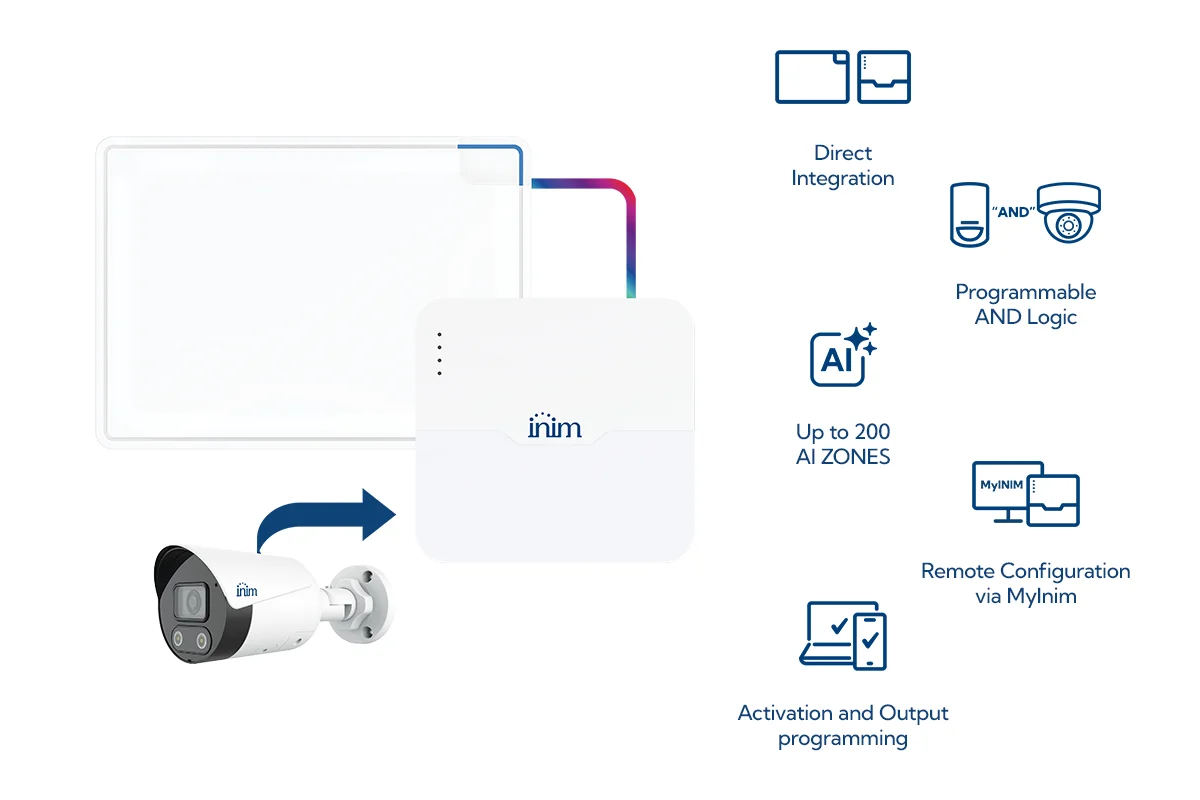
The key new feature is CoreSync, the new functionality that directly connects the Prime and PrimeX control panels to the NVRs InVista NVRs, transforming video analytics events into fully actionable elements within the control panel’s programming. The result is a more integrated platform for installers and a clearer, more reliable, and more connected experience for end users. Inim video surveillance is becoming increasingly interconnected.
The Turning Point for CoreSync
The advantage of the new feature isn't just watching the video: it's turning the video event into a system event—one that is programmable, verifiable, and capable of triggering actions.
Important: To use this new feature, you must update the firmware of the NVR
to version NVR-B3613.41.11.C33430.260810. The update is available online; for instructions,
please refer to the video tutorial included in the marketing materials we sent you.
Prime 5.00: A system upgrade designed for installers
The update to version 5.00 is available at Prime/STUDIO and enhances the entire workflow— from system configuration to field verification, through to monitoring of the installed system and communication with the end user.
This is therefore not a feature that simply adds isolated functions. The release of the Prime 5.00 platforms with CoreSync integrates three levels of the same ecosystem: Prime/STUDIO for programming, InimTech Security for installer operations, and Inim Home for day-to-day monitoring by the end user.
- Greater integration in the design process. Intrusion detection and video surveillance share logic, statuses, and events.
- Greater operational control. Monitoring, maintenance, walk tests, and troubleshooting are all accessible from a single point of entry.
- Greater transparency in the user experience. Zone status, maintenance, and CoreSync availability are immediately visible in the app.
CoreSync: The InVista NVR Integrates with the Control Center
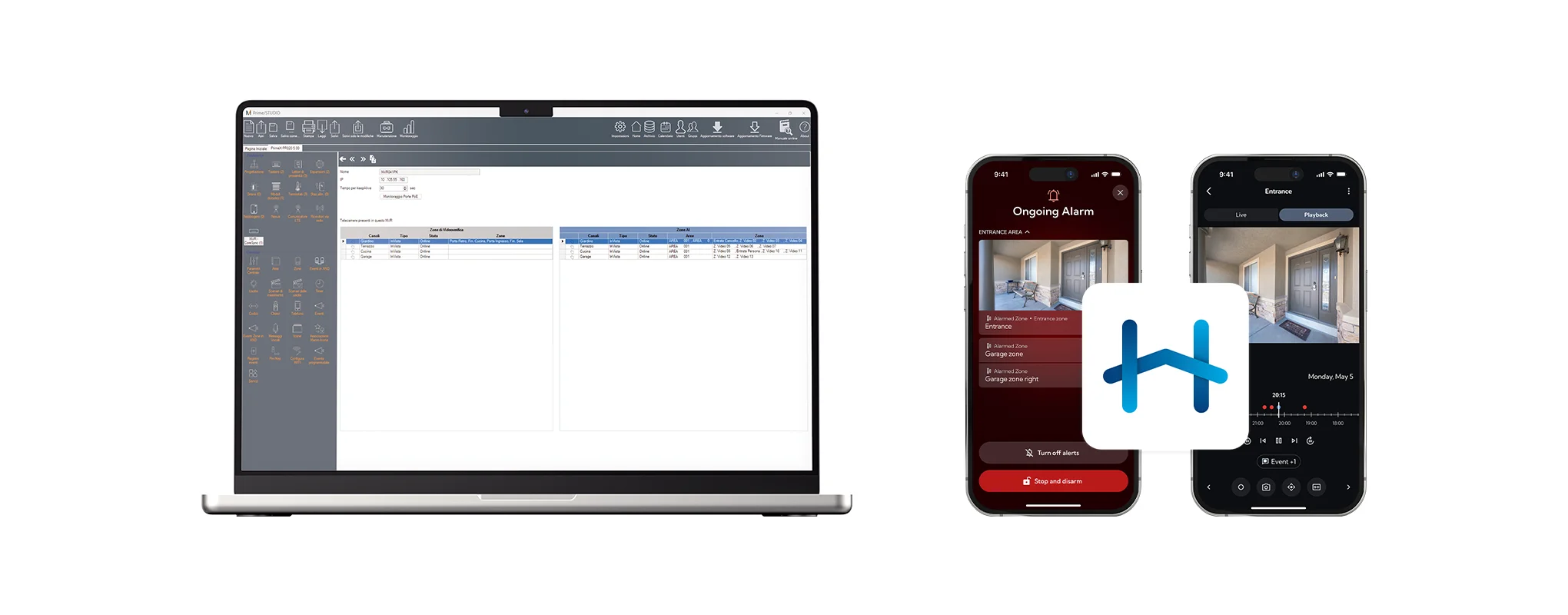
With the launch of the new CoreSync feature, Inim’s InVista NVR can be added to Prime/STUDIO just like any other device in the alarm system. Video analysis rules already configured on the NVR can be imported as ZONE AI video feeds and processed by the alarm control panel at Prime or PrimeX as actual zones.
This is the true paradigm shift: the video event is no longer confined to the world of video surveillance, but becomes an integral part of the system itself. It can be used in conjunction with conditions, confirmations, local activations, and notifications, alongside events generated by traditional sensors.
Direct Integration
Programmable AND Gates
Up to 200 ZONE AI videos
Video Verification and Local Actions
Advanced InVista Management
Video: AI ZONES and AND Logic: Bringing More Intelligence to Security Scenarios
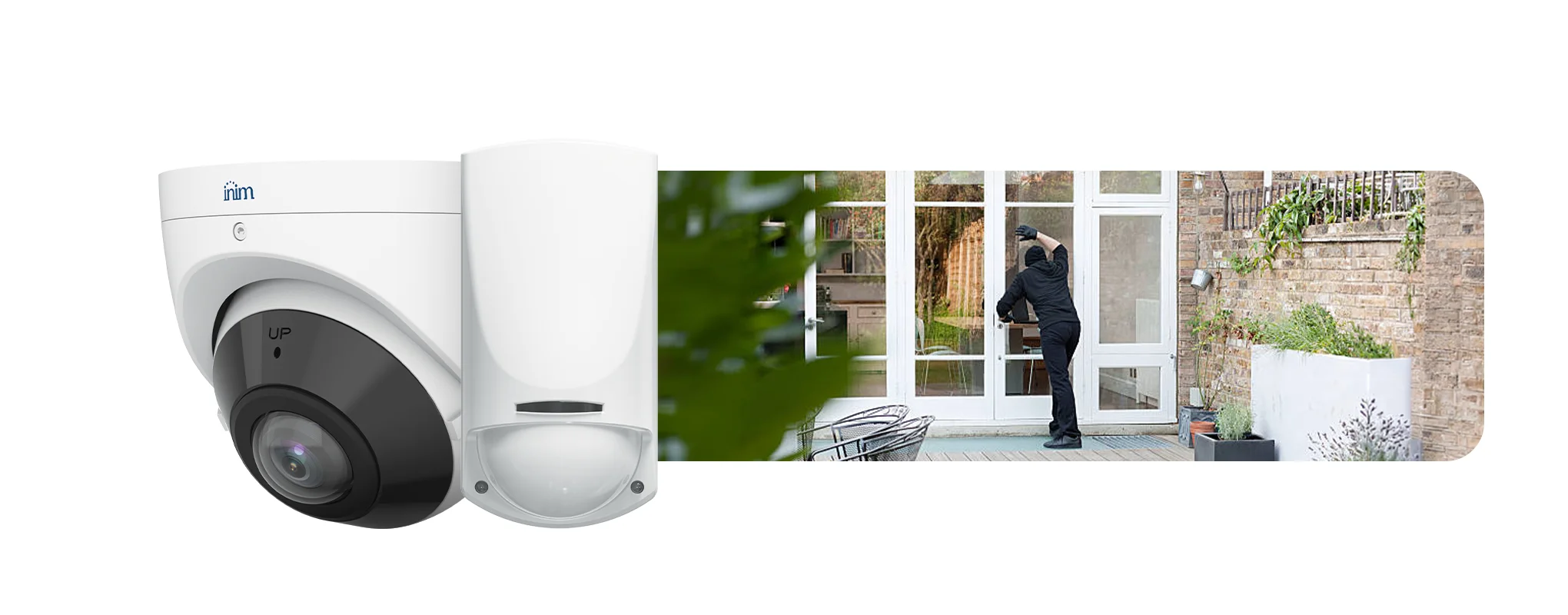
CoreSync goes beyond simply integrating alarms and video: sensors and video analytics become part of the same security strategy. Up to 200 ZONE AI video feeds without using the control panel's zones
Each system can manage up to 200 ZONE AI video feeds without using up the control panel’s physical zones. Events such as intrusion, line crossing, thermal analysis, or license plate recognition can thus trigger actions on the control panel Prime or PrimeX and aid in verifying the event. For installers, this means designing more advanced and scalable systems, expanding integration possibilities without sacrificing resources dedicated to traditional intrusion detection devices.
From Event to Action: Video Review and Local Initiatives
Remote Configuration of InVista NVRs, with a Focus on Privacy


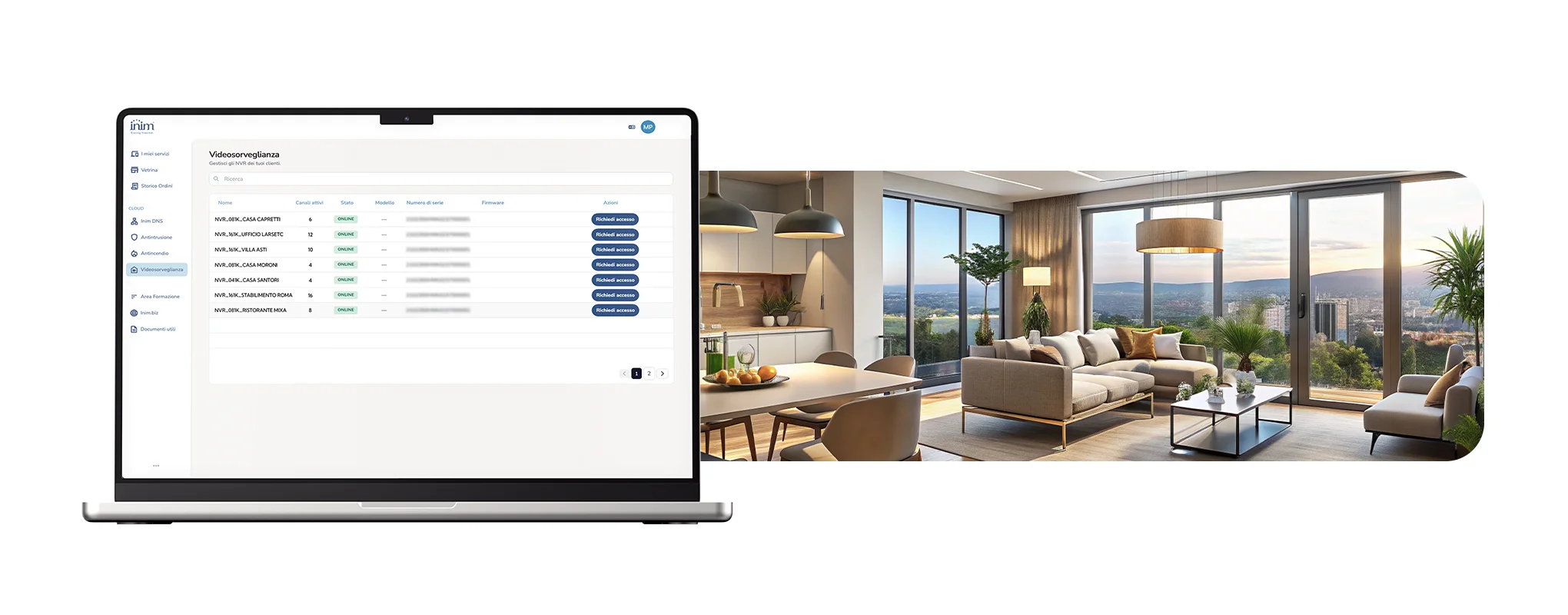
The InimTech Security workflow control and management app for installers also features an upgrade to its existing functions. In fact, InimTech Security becomes the new operational hub for these new features in preparation for this 5.0 release.
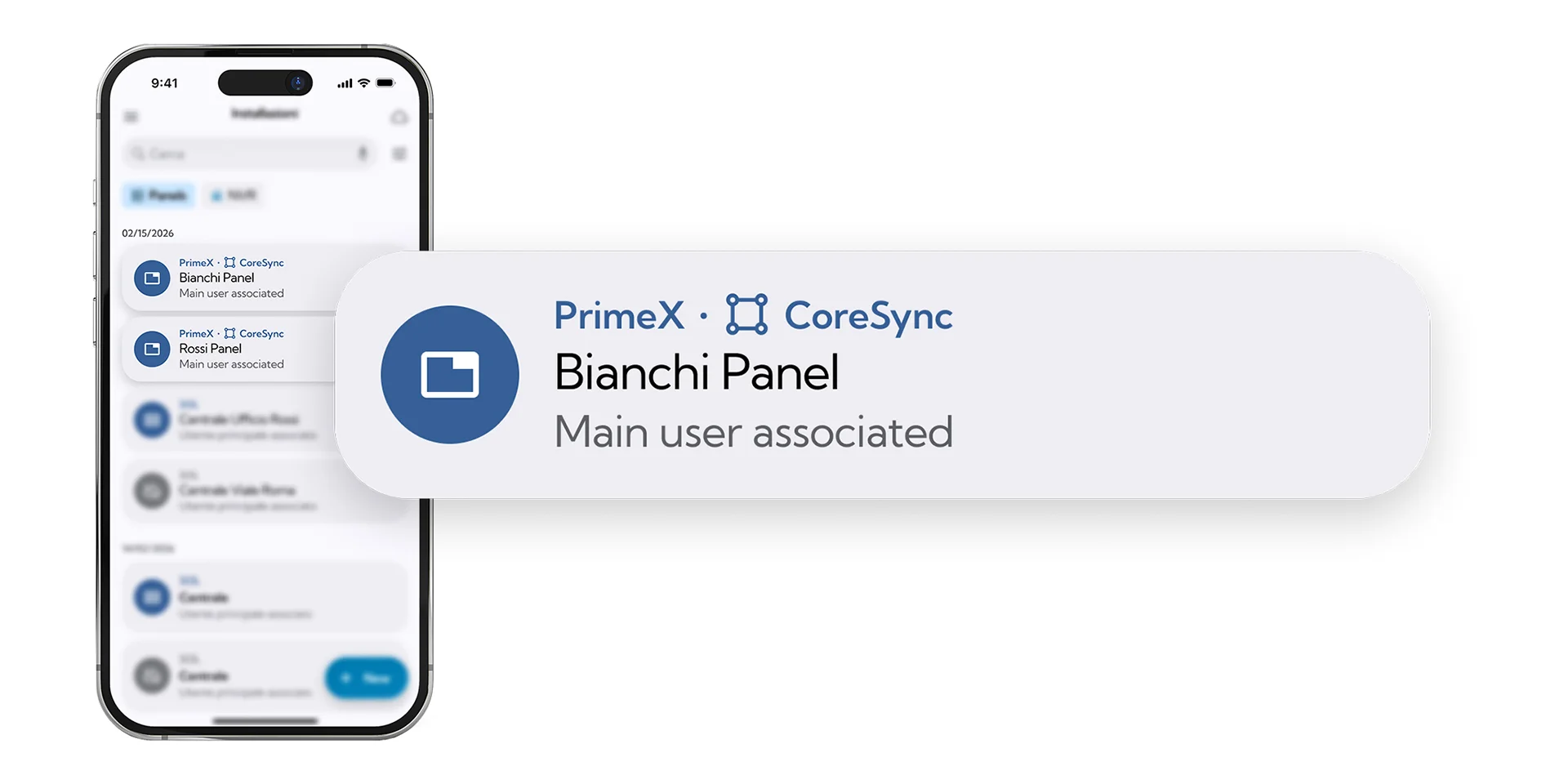
From the list of installations, the installer can immediately verify whether CoreSync is active and distinguish the advanced integration from the classic InVista cloud-based configuration. This information is visible without having to delve into the system details. With CoreSync, the association between zones and cameras is managed exclusively through Prime/STUDIO. The AI video ZONES, and the AND Zones created in the software are then treated as control panel zones. The complexity remains in professional programming; the system interface remains consistent and familiar in the apps.

A New Monitoring Menu
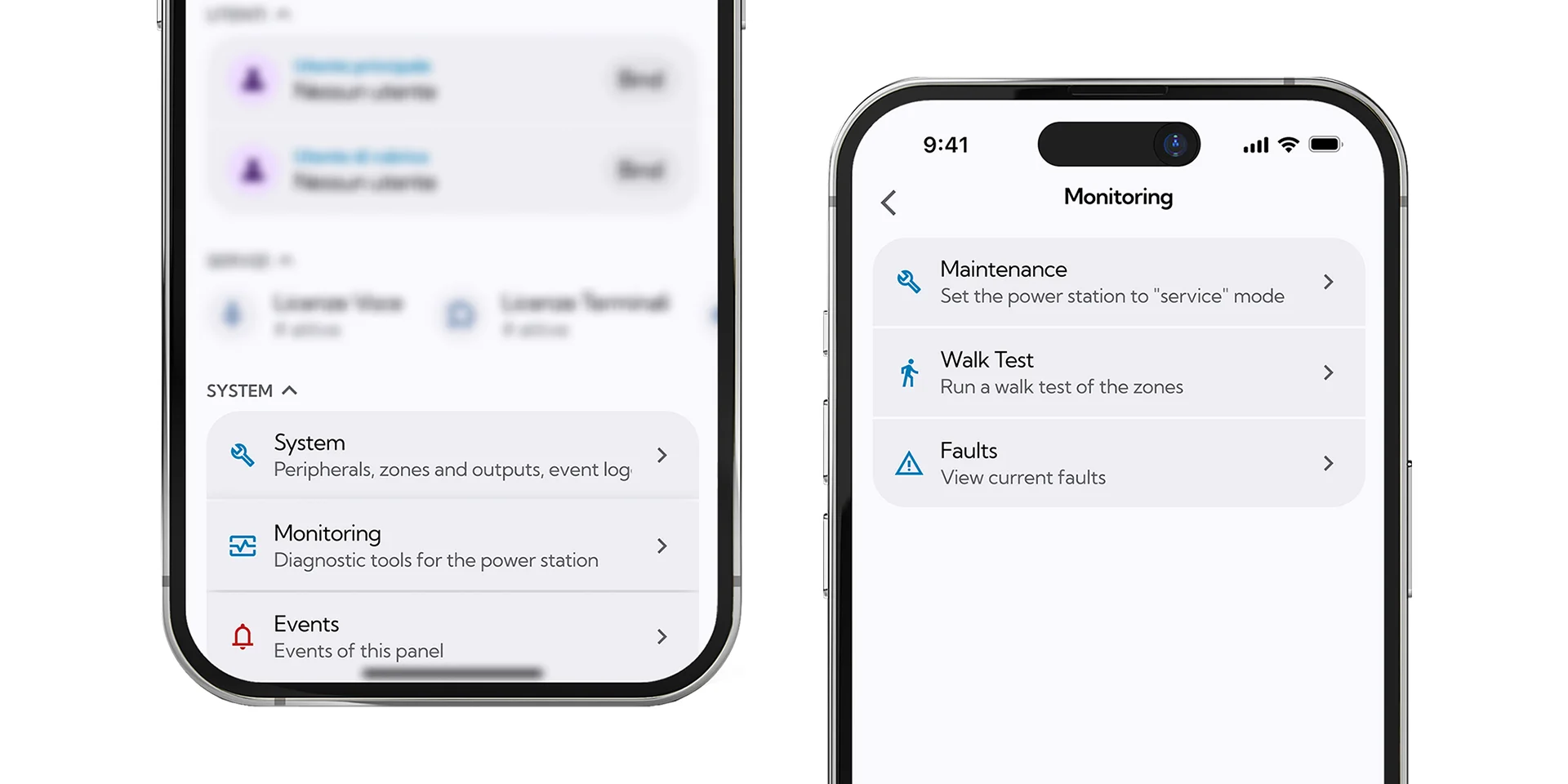
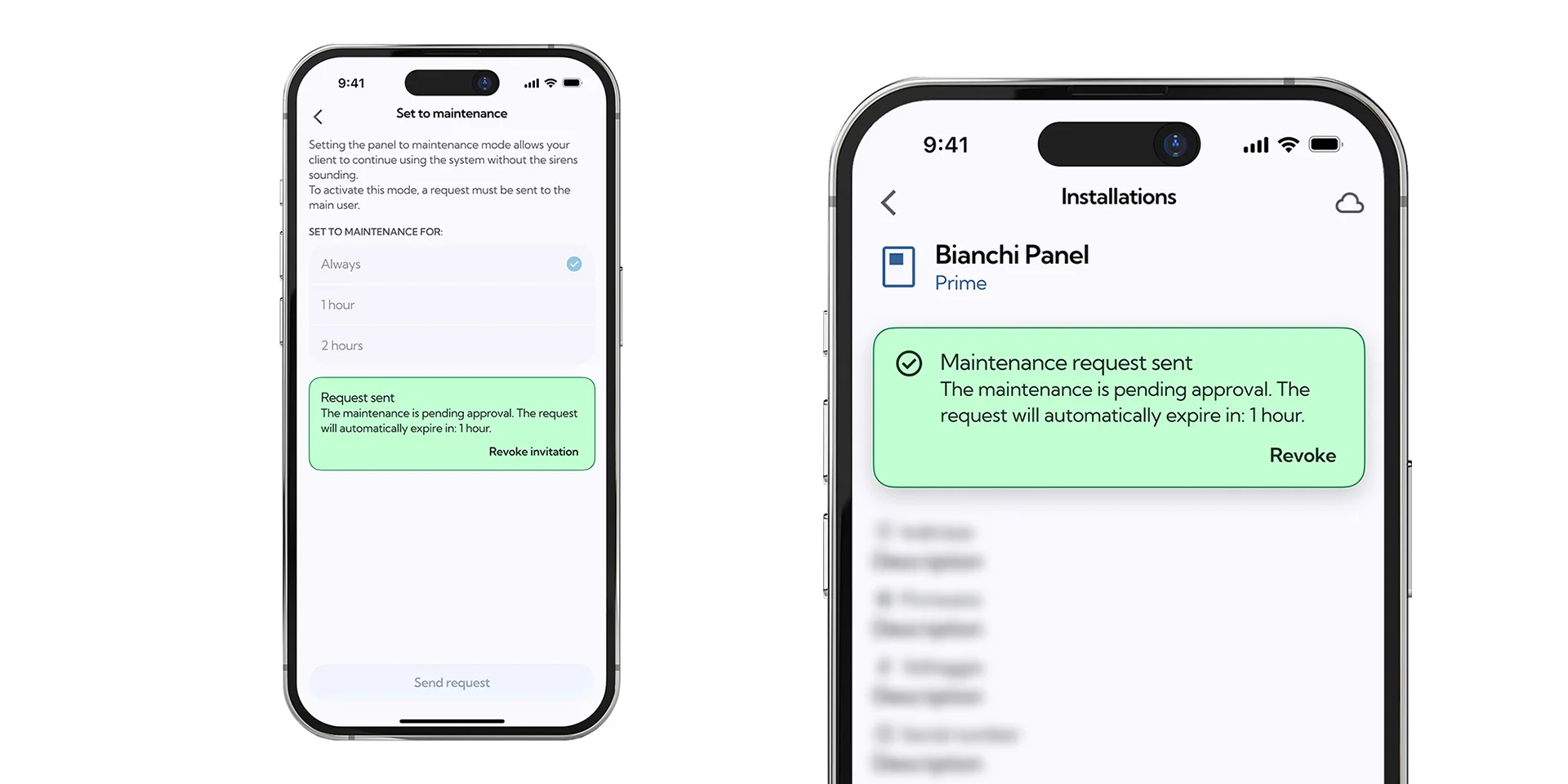
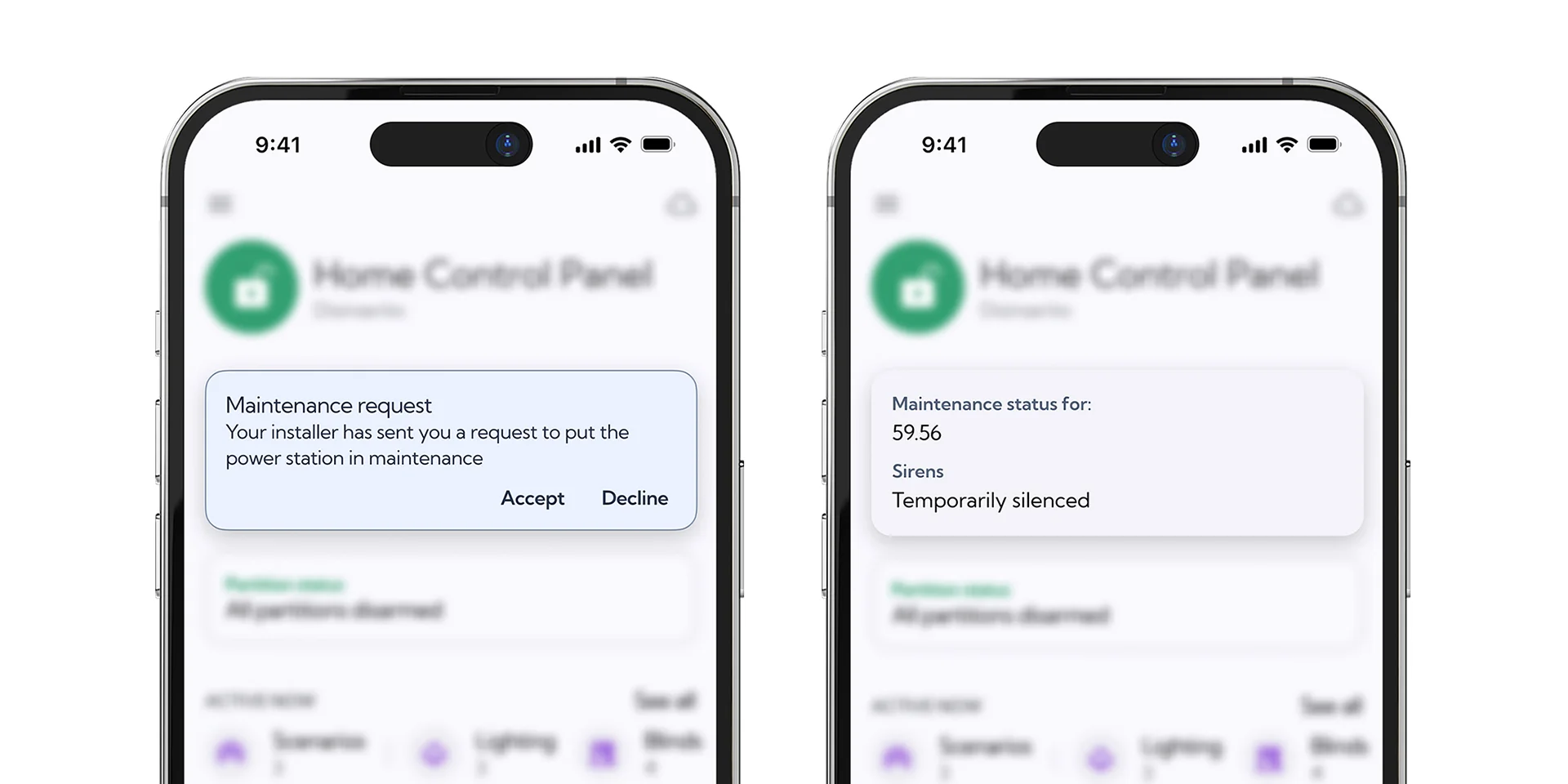
Maintenance: Supervised and Authorized Work
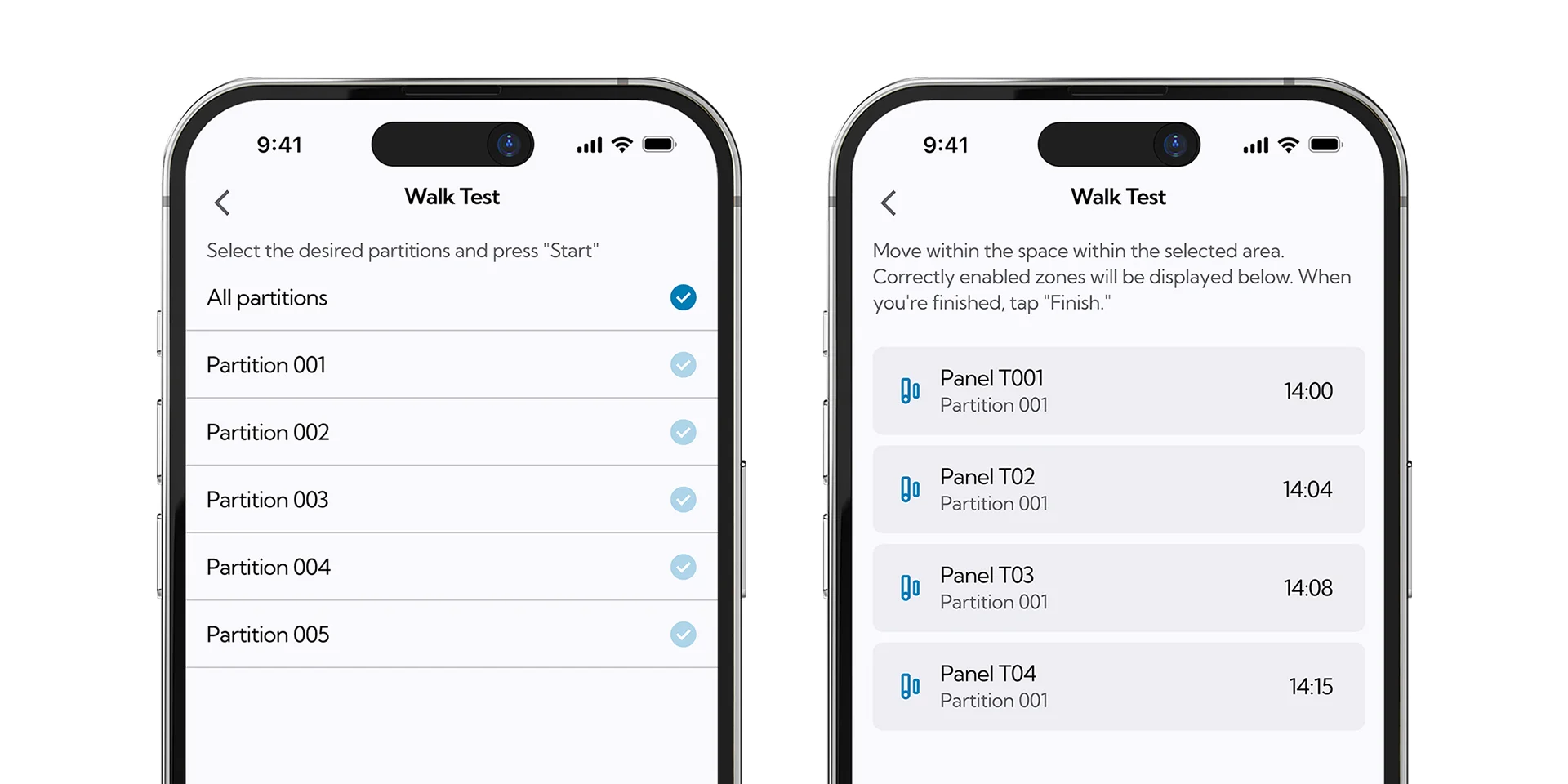
Walktest: Real-Time Zone Verification
During installation or maintenance, the walk test allows you to monitor zone response in real time. The installer selects the areas to be tested, starts the test, and receives immediate feedback on which zones have been triggered correctly and which still need to be checked. The benefit is tangible for several reasons:
- faster field testing
- greater reliability during commissioning and a
- Documented inspection prior to delivery of the system to the customer.
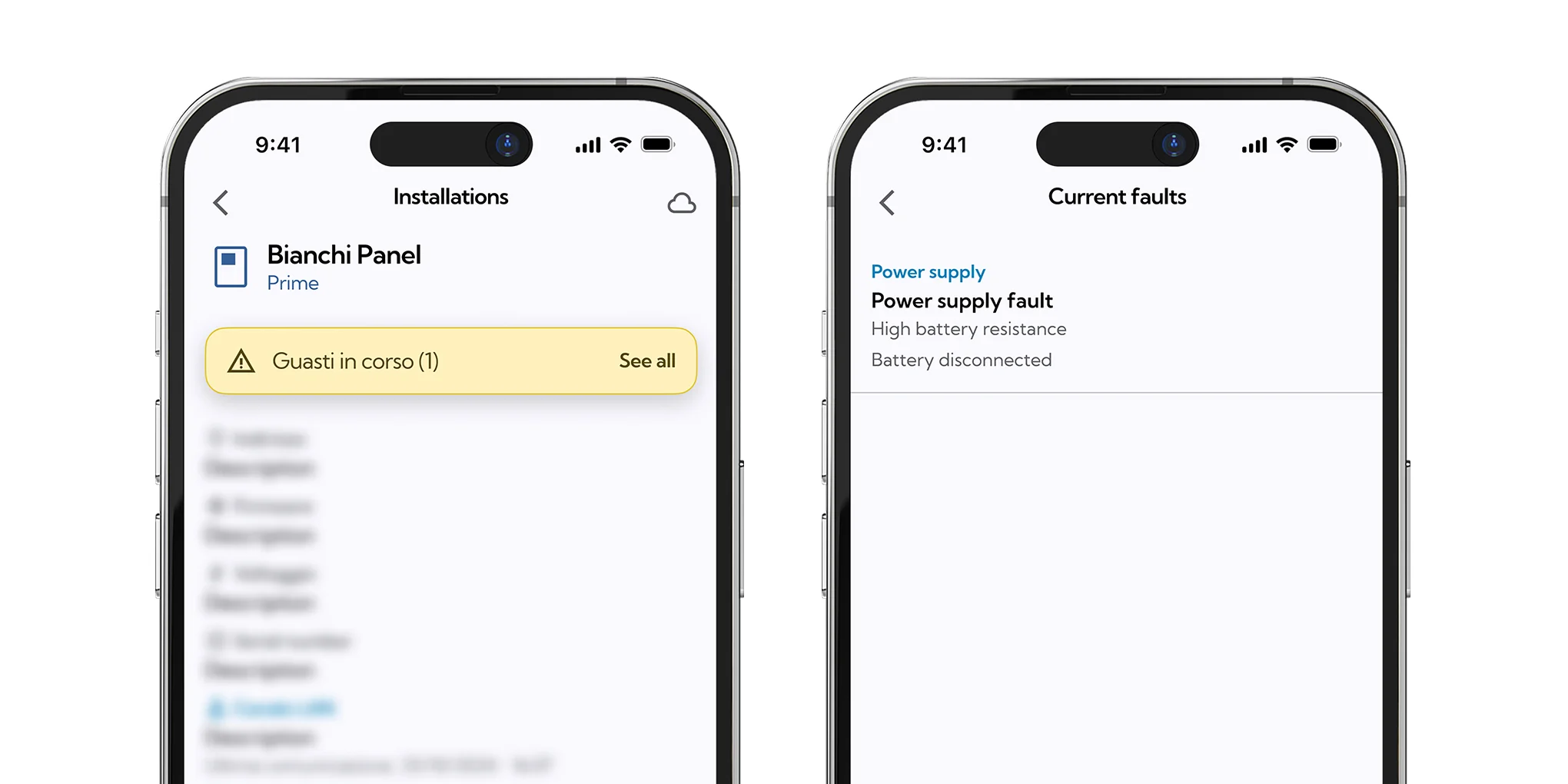
Real-Time Outages: More Proactive Support
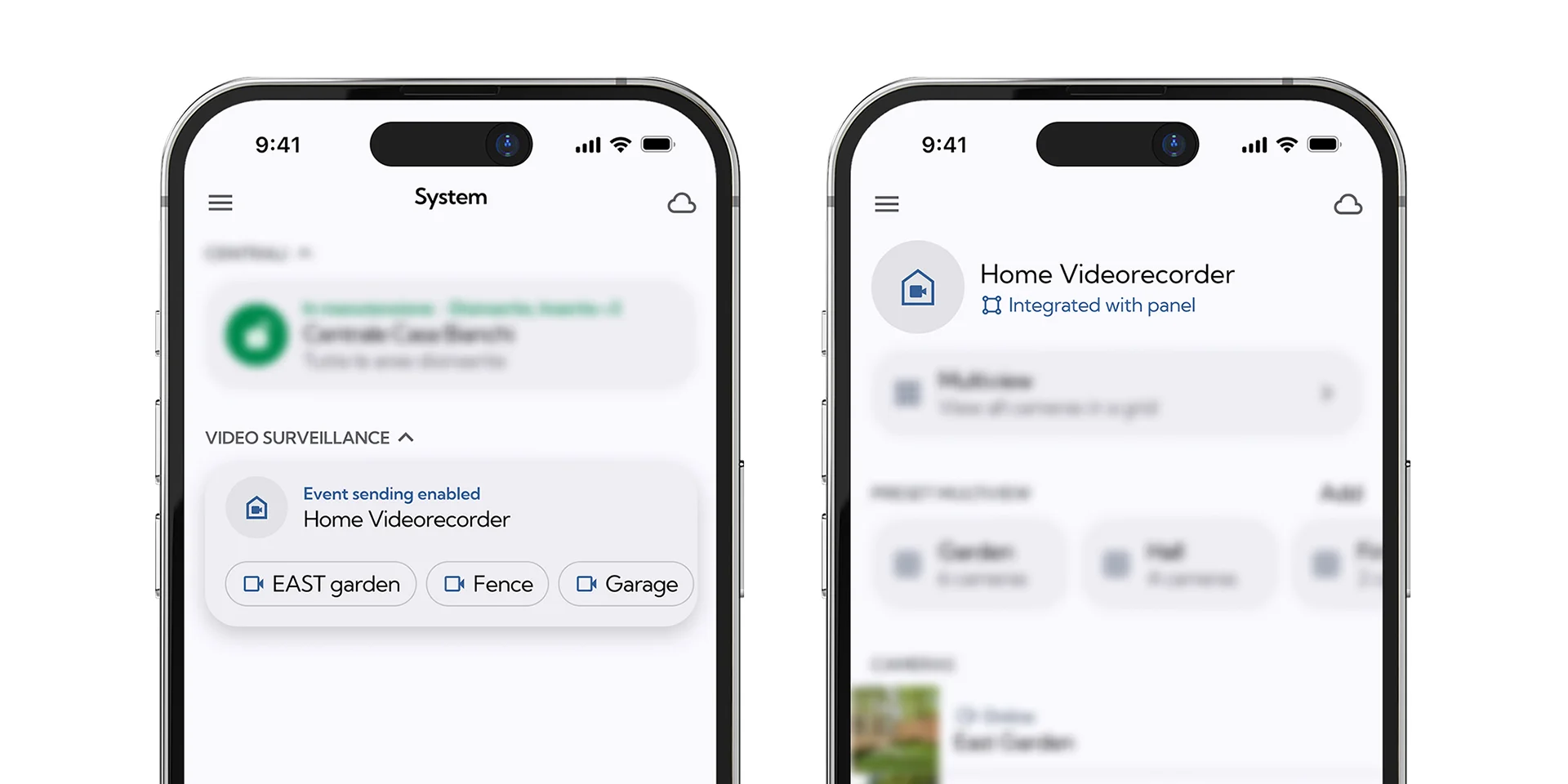
Inim Home, the monitoring app for end users, also offers greater transparency and provides real-time information.
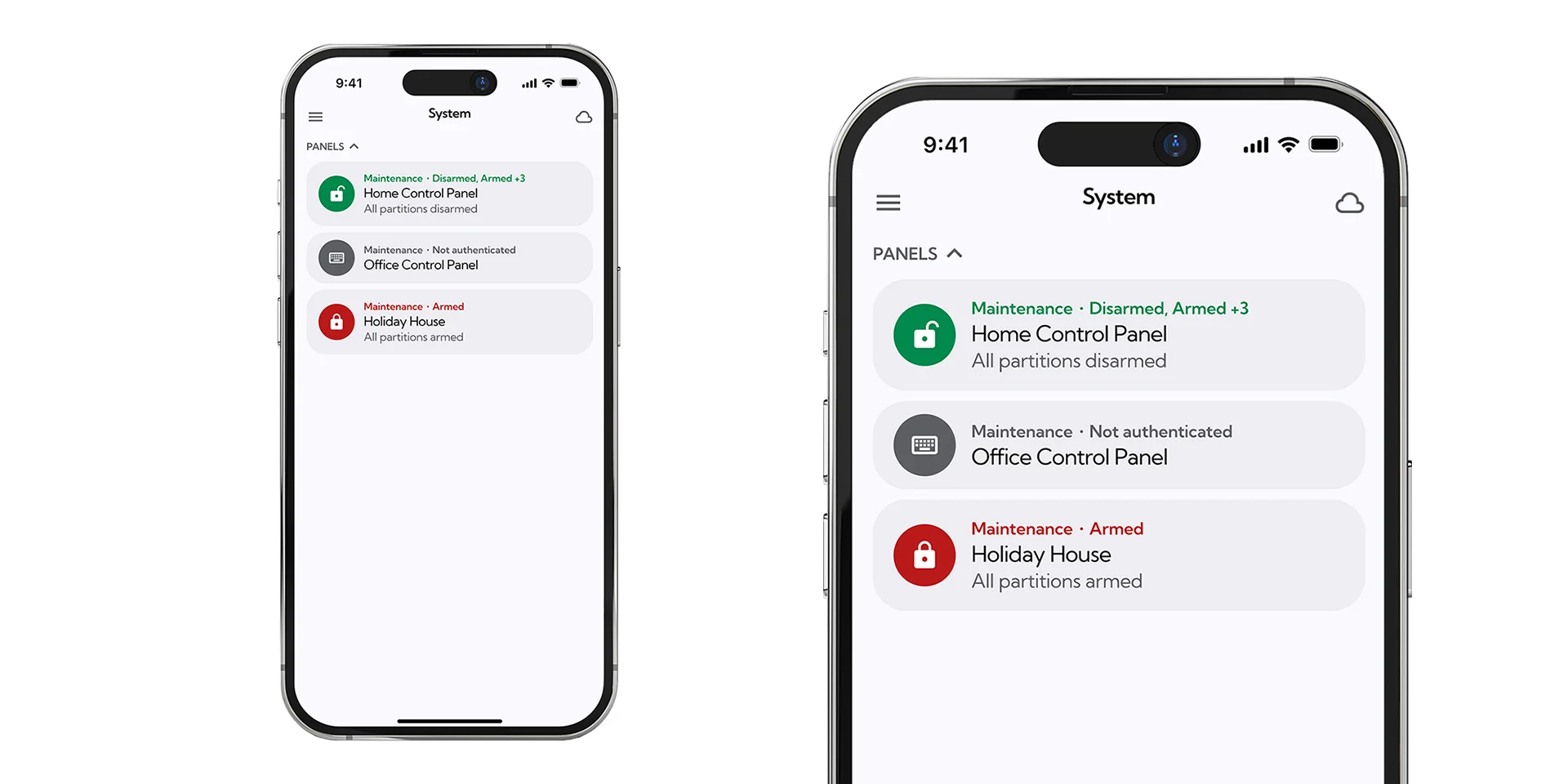
Version 5.0 of the Prime platforms also enhances the end-user experience. Inim Home, in fact, provides a clearer view of the current level of integration, maintenance requests, and the status of zones. The new features work behind the scenes, while user interaction continues to use simple terminology: zones, statuses, events, and permissions. When CoreSync is active, the NVR’s status is linked to the control panel’s status—armed or disarmed—and any configurations related to active deterrence (Alarm Sound + Flashing Light) are disabled when the control panel is disarmed. The app’s tabs also allow you to determine whether the system uses CoreSync or the classic InVista integration.

A significant advantage for both parties involved? Remote maintenance: the user is always kept in the loop and doesn’t have to set aside time in their day waiting for the installer.
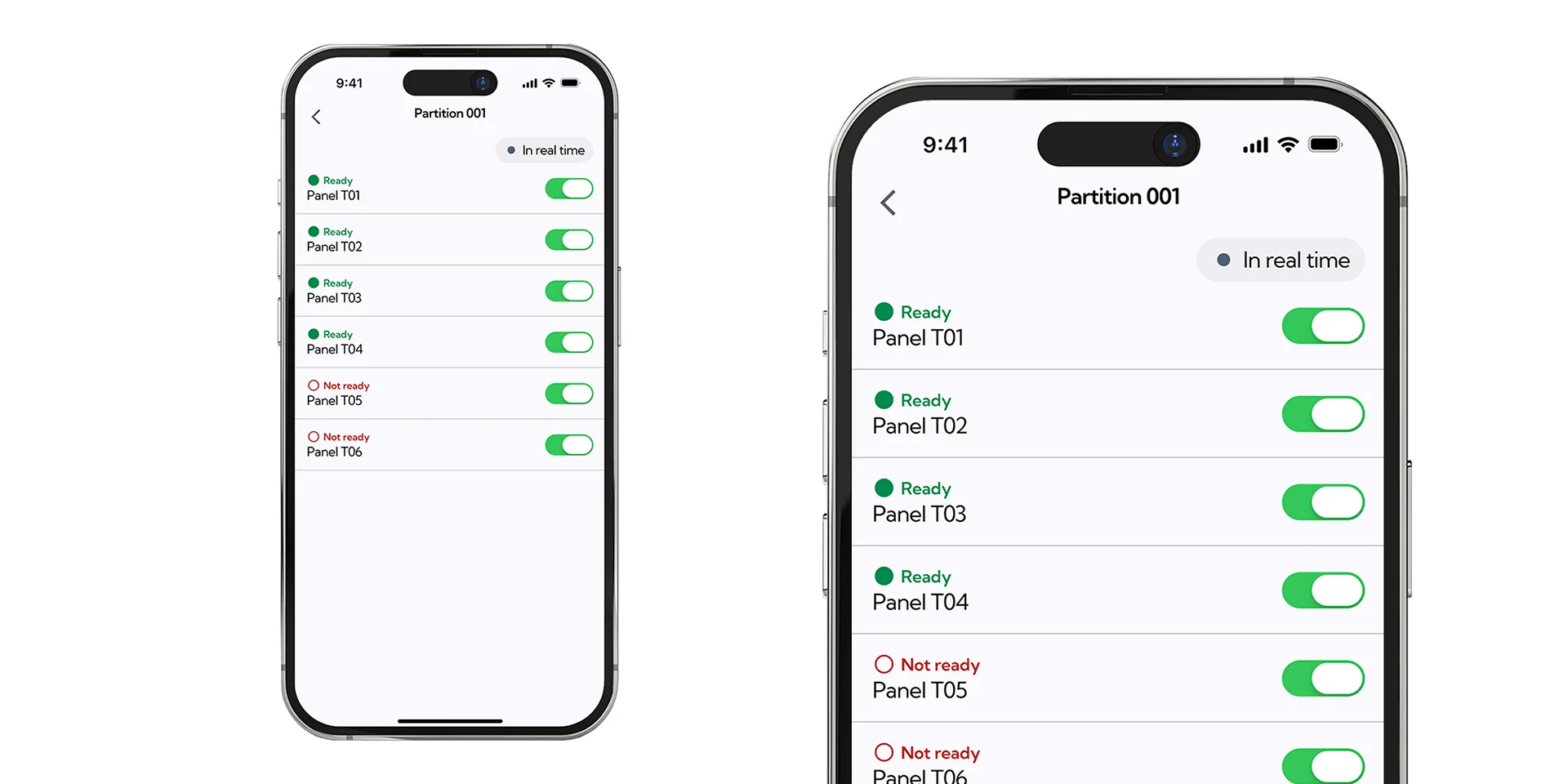
Real-Time Zones
On the zones page at Inim Home, the “ready” or “not ready” status of maintenance is updated in real time. It is no longer necessary to pull-to-refresh or wait several seconds to see a change. The control unit was functioning correctly even before; the new feature involves the immediate transmission of zone status to the cloud and its display in the app. For the user, the result is a smoother, more transparent, and more reassuring experience regarding the system’s operation.
CoreSync's New Features for a Single System
In a market increasingly tailored to the needs of the end customer, it is not the number of devices or apps available that makes the difference, but rather the consistency with which each component contributes to the same result:
- design better,
- Check first,
- provide more information
- to provide the customer with a clear and understandable experience.
CoreSync’s new feature positions the Prime and PrimeX 5.0 platforms in this arena. It is not simply a combination of intrusion detection and video surveillance, but a system in which sensors, video analytics, outputs, notifications, software, and apps share a common logic.
- A single programming environment. Associations and logic are managed by Prime/STUDIO.
- More reliable commissioning. The walk test provides immediate feedback on the zones.
- More proactive management of installed systems. Faults are detected in real time, before the user calls.
- A more transparent relationship with the customer. Maintenance and remote access require authorization and are always visible.
- A stronger professional positioning. The installer offers an integrated solution, not a collection of separate products.

UPDATE. INTEGRATE. MONITOR.
Upgrade Prime and PrimeX to version 5.00 via Prime/STUDIO and discover how CoreSync can transform intrusion detection and video surveillance into a single system solution.
Check the changelog and the related technical documentation in the Installer Area of your MyInimCloud account.
Important: To use this new feature, you must update the NVR's firmware to version NVR-B3613.41.11.C33430.260810.
The update is available online; for instructions, watch the video tutorial.
Do you have any questions or concerns?
See the FAQs
What is CoreSync?
CoreSync is the new feature introduced with the release of Prime 5.00, which directly integrates the Prime and PrimeX control panels with InVista NVRs, allowing video analytics rules—such as the control panel’s ZONE AI video—to be managed. This represents a major step forward for installers.